Profile photos and private albums in Dubai: what to show
Choose profile photos by looking at the whole image, including the information around your face. On Sugarfar, a private album opens only with its owner's permission, so decide what you want to share before deciding where to put it.
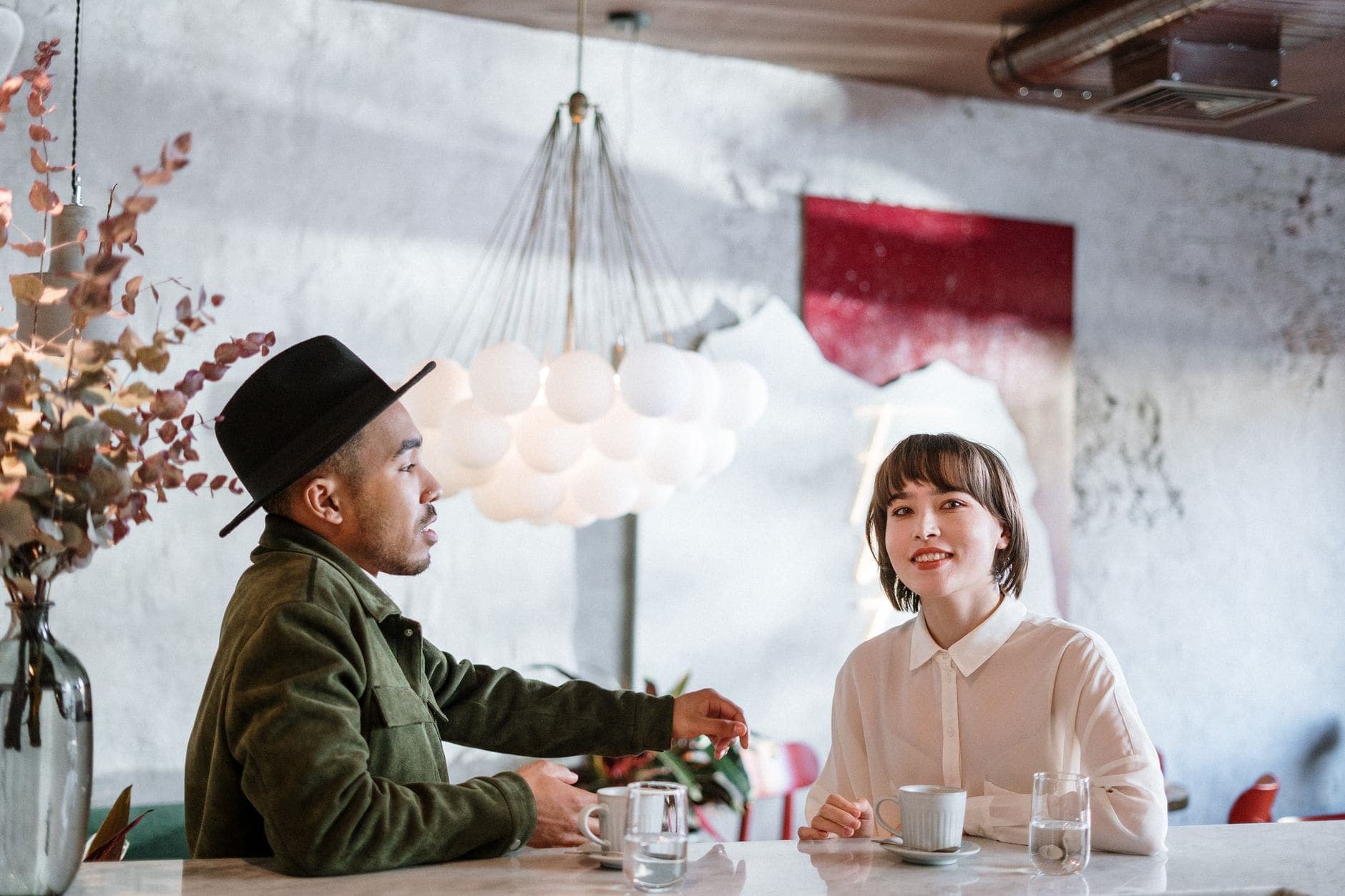
You find a portrait you like from an afternoon in Dubai. Your expression feels natural, the light is warm and you would recognise yourself immediately. Then you notice a name on a card beside your cup. A second look reveals someone else's face at the edge. Those details deserve attention before the photograph becomes your introduction to a new person.
Look beyond the part of the photo you like
Start by looking at the image without enlarging your face. What else attracts your eye? A bright label, an open document or a reflection can draw attention even when it seemed unimportant at the time. Read any visible text as if you knew nothing about the photograph. You may discover that a detail you had stopped noticing tells a new viewer something quite specific.
Imagine Adeel, an adult choosing a portrait taken while having coffee. A card near his elbow carries the name of his workplace. He likes the expression in the photo, but he would prefer to discuss his work when he knows someone better. He can choose another photograph without changing how honestly he presents himself. His wish to keep that detail private is enough reason to leave this version out.
A crop might remove the card. Before settling on it, look again at the resulting image: has the crop left your face too close to an edge, or does a reflection still show the detail you wanted to exclude? If the photograph becomes awkward, taking another can be easier than trying to preserve every part of an old favourite. Choose the version that feels like you and keeps the details you want to share.
The same attention helps with a visible address or a distinctive entrance that you do not want associated with your profile. You do not have to establish whether somebody could identify a place before deciding you would rather leave it out. The wider privacy and discretion guide considers what you share as a conversation develops. Here, make the decision about this particular image.
Keep other people out of your introduction
Return to the face at the edge of the photograph. It may belong to an adult friend who was happy to take a picture together but has never discussed appearing on your dating profile. That earlier moment does not tell you what they want now. You can choose a photograph of yourself alone, or talk with them about this specific use before considering a shared image.
Think about what an unfamiliar viewer would understand, too. If a photograph shows several adults, will they know which person is you? A clear introduction should not depend on guessing from the way people are arranged around a table. Another image can preserve the warmth you liked while making your own face easy to recognise.
In Adeel's case, the person at the edge is a friend whose face is partly cut off already. Cropping further would remove the friend but also most of Adeel's shoulder. He decides to keep the photograph among his own memories and choose a different portrait. There is no need to make every enjoyable moment serve a second purpose.
You might still value what the photograph reminds you of: an easy conversation, an unforced smile or the colour of a shirt you like. Use that observation when you choose your next image. It gives you something concrete to look for, without bringing another person's face or private information into the introduction.
Choose public photos with intention
On Sugarfar, you can have up to 20 public photos and 20 private photos. Those are limits, rather than a target to reach. An image earns its place when it shows something you are comfortable sharing and helps someone recognise the person they may meet. You can leave out near-identical portraits even when you have room for more.
Look at your choice beside your profile text. Does the image feel consistent with how you describe yourself now? A relaxed portrait can support a description of enjoying quiet conversation. You do not need a photograph proving every interest, and an impressive background is unnecessary when it distracts from the introduction you want to make.
Try viewing a candidate at a smaller size as well as opening it fully. Your face should remain easy for you to find. Then open it again for the details that a small preview could conceal. Each view answers a different practical question: whether the introduction is clear, and whether the image includes anything you would prefer to keep private.
The verification badges have specific meanings of their own. The camera badge means the profile photo matches a live selfie; the ID badge means an identity document was checked. Neither explanation replaces your personal decision about the information you want in a photograph. Keep that decision tied to what the actual image shows.
A private album still needs your decision
A private album on Sugarfar opens only with its owner's permission. Premium, gifts and matches never open it. If someone points to a match or a subscription when asking to see more photographs, you can consider the request on its own. None of those features makes the decision for you.
Moving Adeel's original photograph into a private album would still leave the workplace card in the image. If he does not want to share that information with the person asking, changing the gallery does not resolve his concern. He can keep the photograph out of both galleries. Having another place to put it does not create a reason to share it.
You can be pleased by a conversation and still prefer to keep your album private. A brief response can say exactly that: "I'm enjoying talking with you. I'd prefer to keep to the photos I've already chosen for my profile." Leave out a promise about later access unless it is something you actually want to discuss. An answer can express your current choice without predicting how the connection will develop.
If the other person mentions gifts and SugarCoins, remember that a gift does not open the album either. You can acknowledge a gesture without changing your permission. The guide to expectations and boundaries can help when a request starts to sound like an assumption about what you will do next.
Check a new image on its own merits
When you have a new portrait, open it fully before deciding that it solves the earlier problem. A different angle may remove a label while revealing something else. Look at reflections, the edges of the frame and the area behind you. You are checking the photograph you have now, rather than relying on what you intended when it was taken.
Ask yourself what this version adds. Perhaps your expression feels more like you, or the simpler background lets your face hold the attention. Perhaps it adds nothing you want to share. You can leave it out even if someone has asked for a newer picture. Their interest gives you a question to consider, not a deadline for adding an image.
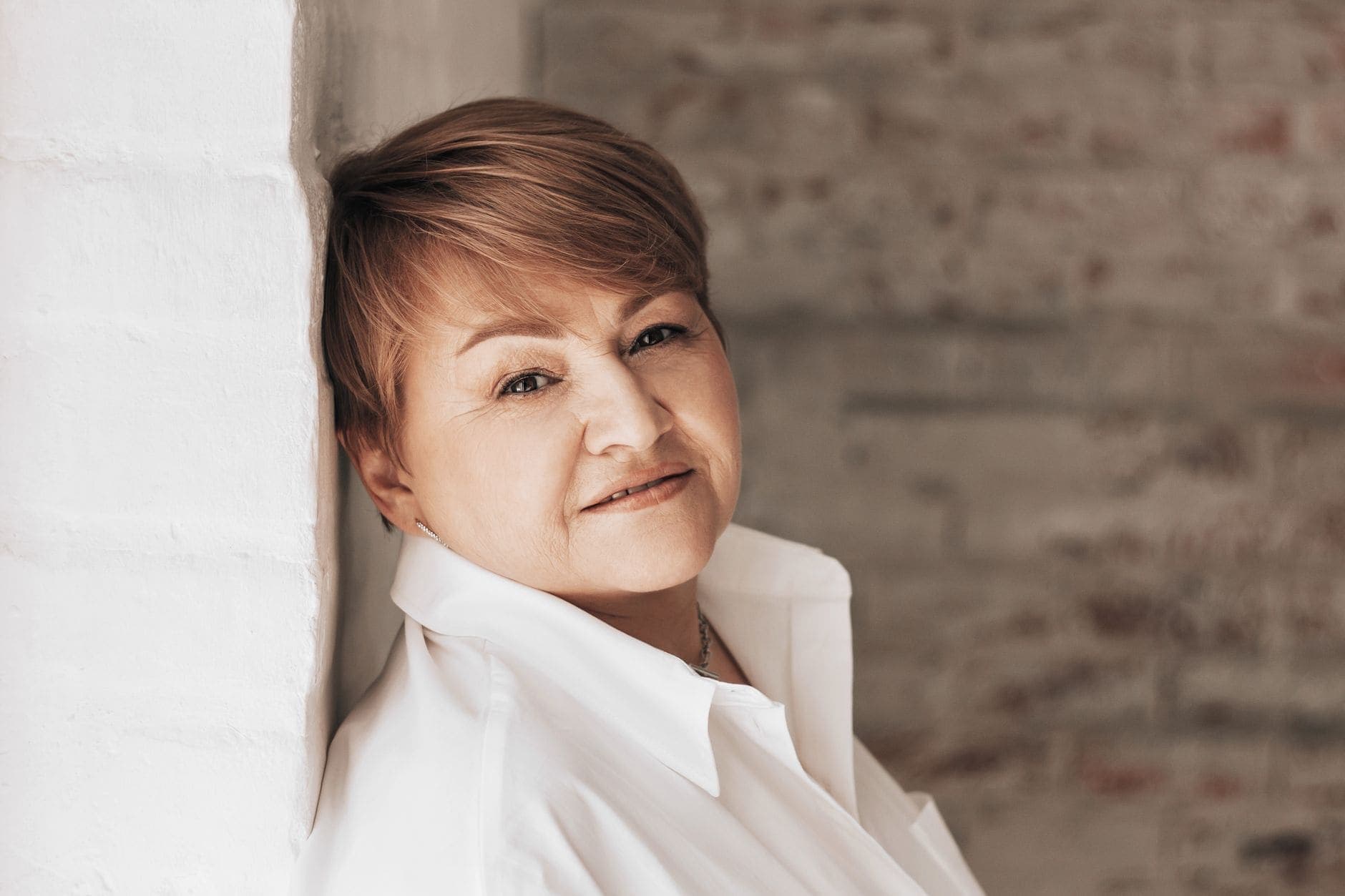
Adeel eventually chooses a portrait against a plain wall near the café. He recognises the easy expression he liked, and there are no other faces or visible cards to consider. A plain background still needs the same careful look as a more detailed one. He still opens the whole image and decides whether he is comfortable using it.
Choose how to introduce yourself with photographs you have actually looked at, including the parts outside your face. A clear portrait, an intentional background and a choice you feel comfortable with are useful reasons to keep an image. Filling a gallery for its own sake is optional.
Frequently asked questions
Should a profile photo show my workplace?
Decide whether you want that information to be part of your introduction. Look for names on cards, labels, documents and recognisable details around you. If you would prefer to discuss your work later, choose a different image or check a new crop carefully before using it.
How many public and private photos can I add?
You can have up to 20 public photos and 20 private photos on Sugarfar. You do not need to fill either gallery. Choose images because they show something you are comfortable sharing, and leave out near-identical photographs that add nothing you want to show.
Does Premium open someone else’s private album?
A private album opens only with its owner's permission. Premium, gifts and matches never open it. You can consider an access request without changing your choice because someone mentions a subscription or a match. Permission remains a separate decision for the album owner.
Can I keep a photo out of both galleries?
You can leave a photograph out of both your public photos and your private album. If the background or another detail makes you uncomfortable, a different gallery does not remove it from the image. Keep the photograph for yourself or choose another one to share.
What should I check before sharing a new image?
Open the whole image and inspect the background, reflections, visible text and other people in the frame. Then consider whether your face is clear and whether the photo adds something you want to share. Check this version itself, even if you liked an earlier photograph taken nearby.

The Sugarfar editorial team
Sugarfar's guides explain profiles, conversations, boundaries and the features available on the platform. Explore practical examples and make your own choices as you meet people.
Ready to explore sugar dating in Dubai?
Create a free profile on Sugarfar and meet people who value clear expectations.
Create free profile